Mehdi Abaakouk
What I Learned Building My First Jenkins Plugin

Building a Jenkins plugin sounded simple — until it became a crash course in Java, Jenkins internals, and community code review. Here’s what I learned, why the process surprised me, and how it now powers Mergify CI Insights.
I thought it would take a weekend. Just a tiny plugin to send Jenkins job events into Mergify CI Insights.
Instead, it turned into a crash course in Java, a tour of Jenkins internals, and one of the most rigorous code reviews I’ve had in years.
The Problem
For CI Insights new Jenkins support, we wanted to capture Jenkins job events, wrap them as OpenTelemetry traces, and feed them into CI Insights. That meant hooking into Jenkins at the right places and exporting the data reliably.
On paper, it sounded simple: “just grab the events and ship them.”
In practice, Jenkins plugin development has its own learning curve, especially if your Java skills are rusty and most of the documentation looks like it was written a decade ago.
The First Steps
Jenkins helped me get moving faster than expected. Their Maven tooling bootstraps a plugin skeleton in seconds, so I had a working project right away. From there, I set up IntelliJ IDEA, which worked out of the box for plugin development. No crazy setup steps — just code.
Jenkins’ plugin infrastructure turned out to be well-designed. You get listeners for almost everything happening inside Jenkins. I only needed to implement a few of them to capture the job events I cared about. With those in place, I could build OpenTelemetry traces and send them on their way to Mergify CI Insights.
I also had some unlikely teammates: Claude Code and GitHub Copilot. My Java was rusty, and they nudged me toward the right APIs, reminded me of language quirks, and helped me avoid silly mistakes. With that combination — Jenkins listeners, a ready-to-go dev environment, and AI pair programming — I got a working prototype faster than I expected and avoided most of the silly mistakes that come with being out of practice.

The Publishing Process (and the Big Surprise)
Getting the plugin to work locally was only half the story. To share it, I had to publish it to the Jenkins community plugin index. I thought this would just be a formality. Instead, it became the most valuable part of the whole project.
Step one was opening an issue in the repository-permissions-updater, providing metadata and repo info. A bot did an automated audit, flagging problems in my pom.xml and missing sections. That was easy enough to fix.
Then came the human reviews:
- A quick comment about a small security recommendation.
- Then a deep dive. Maintainers combed through the code for bugs, API usage, design choices, dependencies — everything.
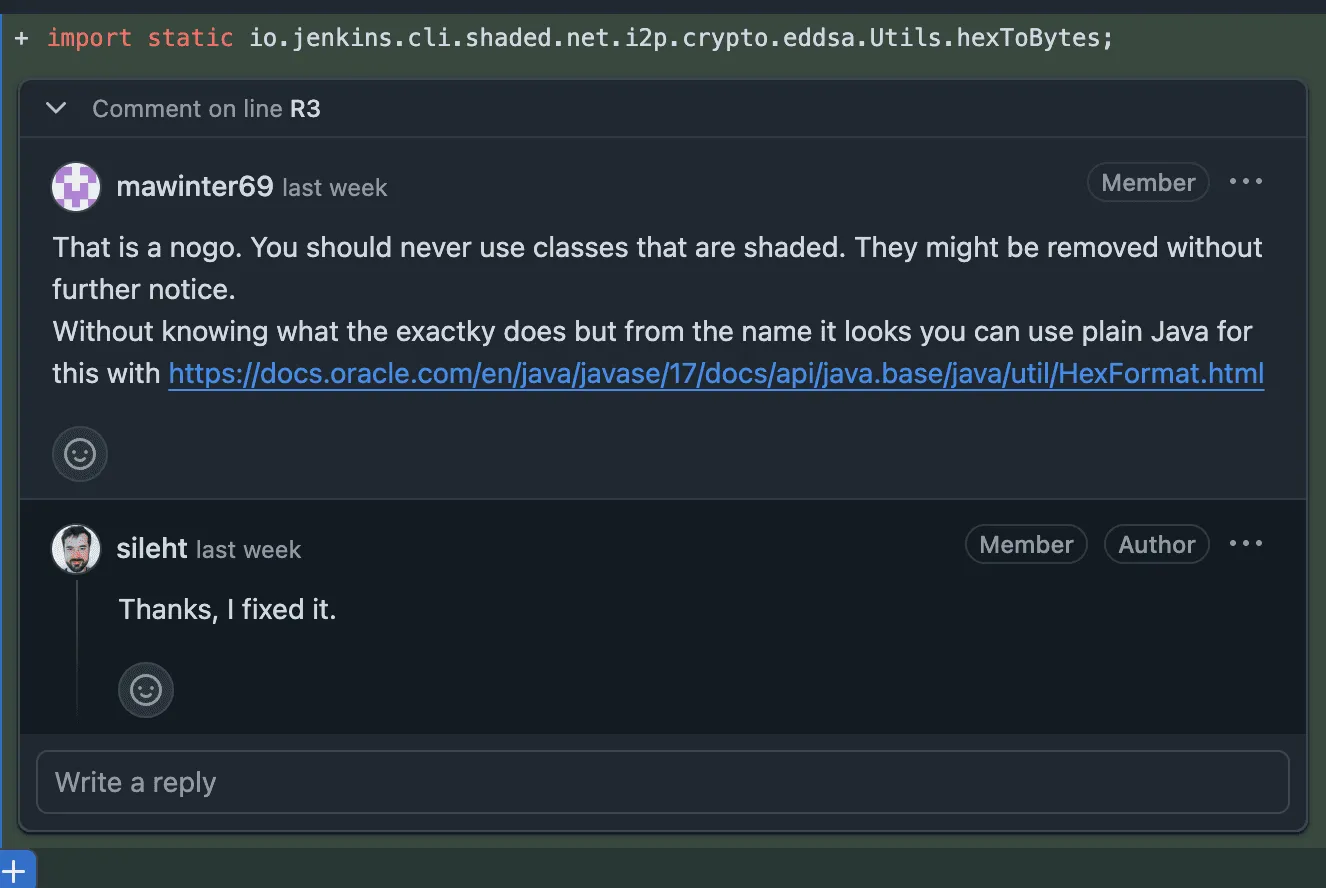
It felt less like bureaucracy and more like free mentorship from seasoned Jenkins experts.
Honestly, I didn’t expect that level of rigor from what I assumed was just an “index.” But it was fantastic. I learned more from that review than from the docs.
The Outcome
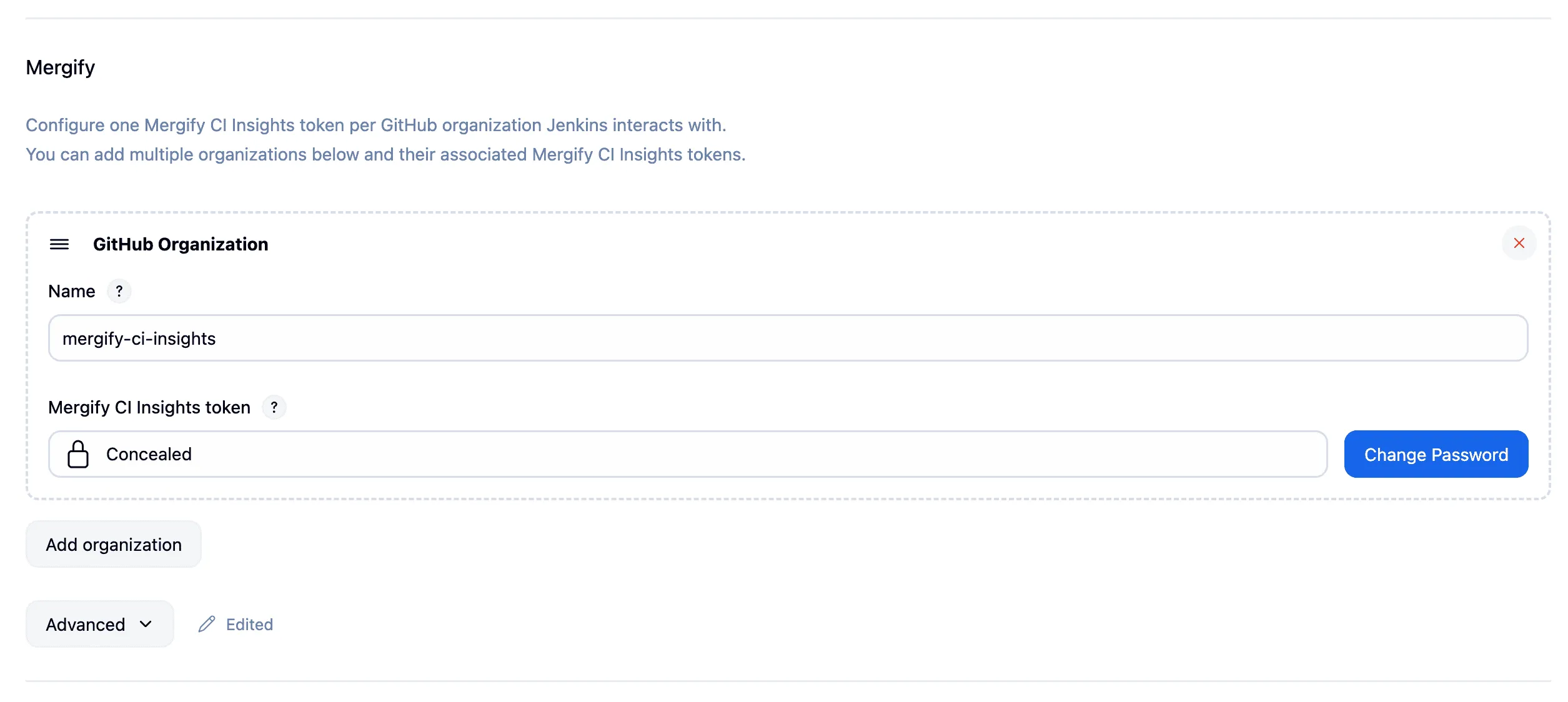
After a few fixes and re-reviews, the plugin was accepted 🎉.
But the surprises didn’t stop there.
Part of publishing through Jenkins’ infrastructure is getting their CI/CD setup for free. With just a few lines in my Jenkinsfile, I had automated builds across multiple OSes, multiple Jenkins versions, and multiple Java versions. Releases are also automated — all we need to do is push changes, and new plugin versions roll out without effort.
And even after adoption, feedback didn’t stop. I’d push new code and get comments later, pointing out better APIs or pitfalls I hadn’t noticed. Continuous learning, even post-merge.
What started as a one-off task became a continuous learning loop.

What I Learned
- Old ecosystems can surprise you — Jenkins’ infra may be aging, but it’s stable, well-designed, and actively maintained.
- Tooling matters — Maven + IntelliJ made setup painless.
- AI pair programming works — Copilot and Claude were great safety nets when my memory of Java failed me.
- Community reviews are underrated — what I expected to be paperwork turned into mentorship.
- Onboarding is education — publishing forced me to learn the ecosystem properly.
Final Thoughts
What began as “just build a plugin” ended up reshaping how I think about integrations.
For Jenkins users, it means you can now send job events straight into Mergify CI Insights with almost no effort. For me, it was a reminder that sometimes the hardest part of a project isn’t the code — it’s embracing the process that comes with it.
If you’ve been hesitating to touch Jenkins because it feels old or intimidating, don’t. The infra is solid, the community is welcoming, and you’ll probably learn more than you expect.
At Mergify, we’re applying the same philosophy: automate the boring parts, lean on strong communities, and make CI more observable and reliable — one pipeline at a time.